Sponsored

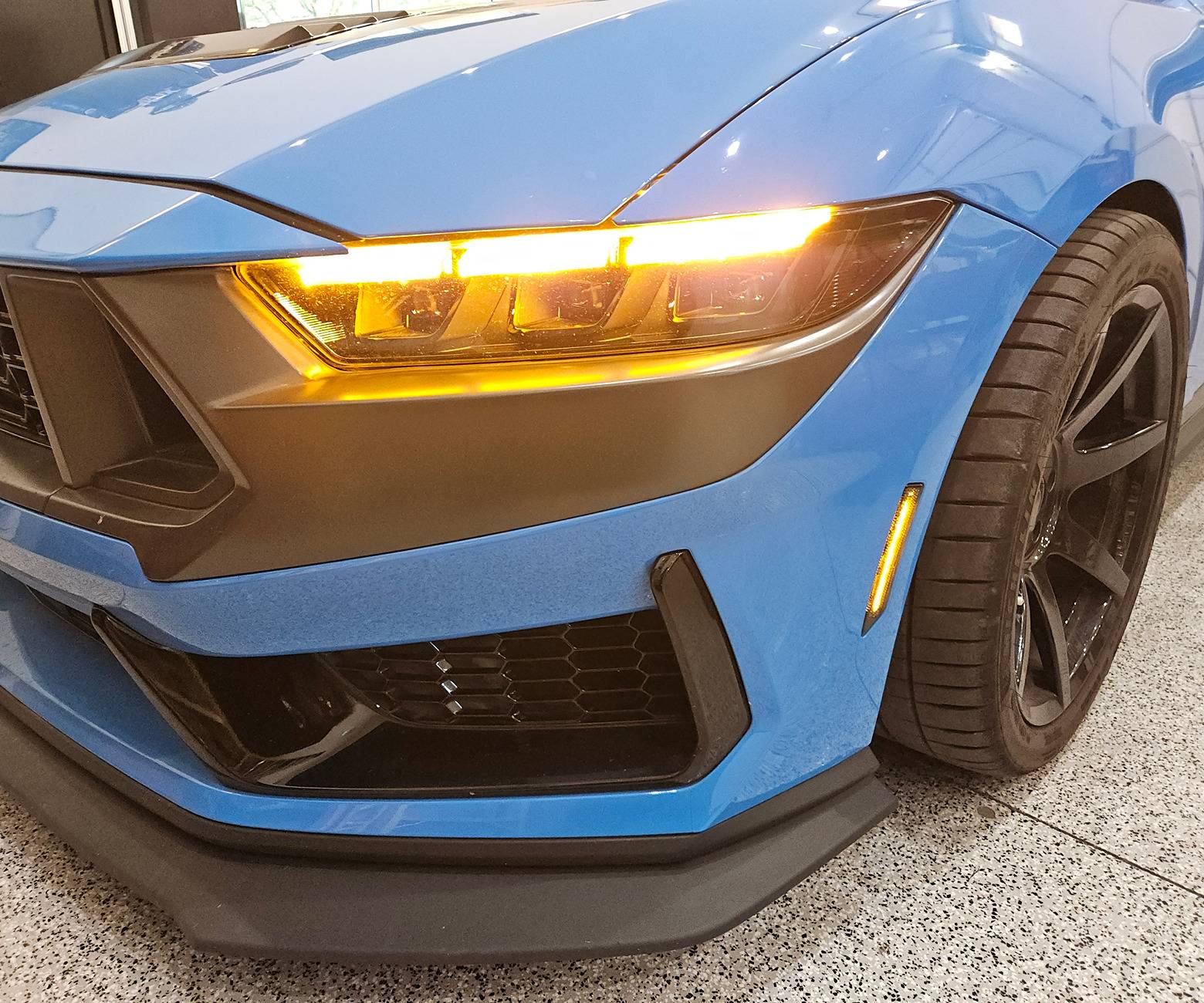
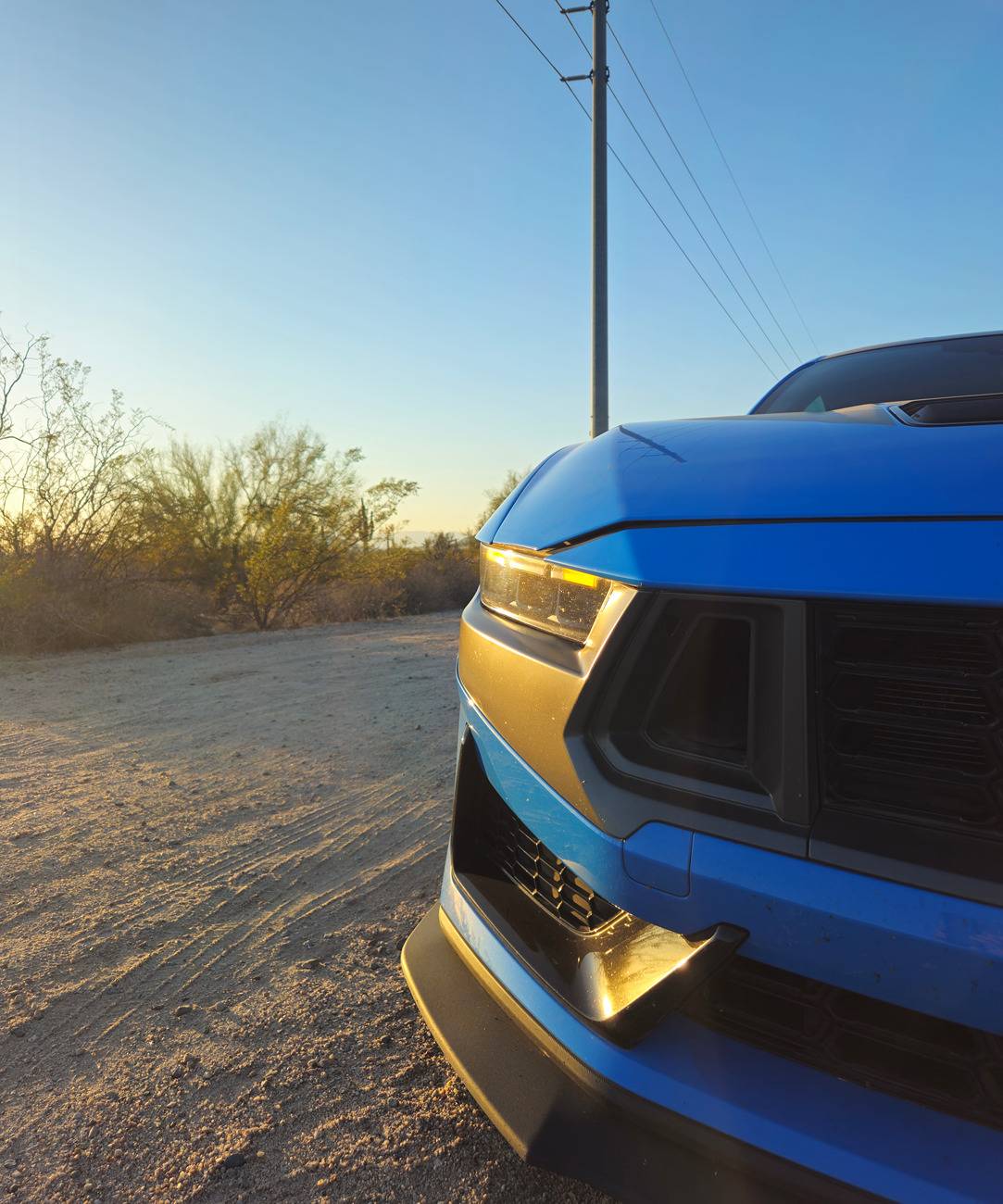
Amber DRL via Forscan (and FDRS) - YES!

GrabThatBlue

Well-Known Member
Joined
Jan 13, 2025
Threads
36
Messages
2,329
Reaction score
2,501
Location
Between Canada and Europe
Vehicle(s)
Mustang GT Premium, 401A, 10R80, PP, AE, NPP, MR, Recaro
I can not find on YouTube or anywhere else how does IPC Cluster looks like on GTD - if there is own Theme.
The video of the GTD animation on a GT was placed here on the forum a few times. A person from Saudi Arabia was the first one to get this to work.
Sponsored


Kristoffer

Member
Joined
Apr 11, 2025
Threads
1
Messages
11
Reaction score
4
Location
Raleigh, NC
Vehicle(s)
2025 Ford Mustang GT Fastback
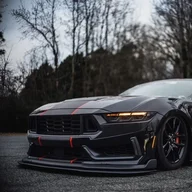
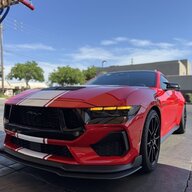
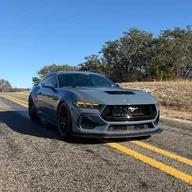
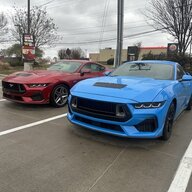
I would like to thank Grant4514b and everyone one else who helped, i successfully swapped over to the amber DRL's!.

BTW the new prices for FDRS suck! just paid 170CAD to change my DRL color lol
A Message to the forum: If you can get somebody to turn my DRL's amber for US $120 bucks, I'll give whomever refers me a cool $20
 
Last edited:

bbowes9

Well-Known Member
Joined
Jun 12, 2025
Threads
3
Messages
87
Reaction score
90
Location
Virginia
Vehicle(s)
2024 Shadow Black Mustang GT Premium A10
Wanted to update this thread here, i was able to do this on my job 2 entirely via forscan 2.4 beta extended license. if you have the SBL, Strategy, and ECU Configuration files you are able to do it. That’s all I’ll say.
 

bbowes9

Well-Known Member
Joined
Jun 12, 2025
Threads
3
Messages
87
Reaction score
90
Location
Virginia
Vehicle(s)
2024 Shadow Black Mustang GT Premium A10
Here are written instructions for how I did it for my job 2. Do this at your own risk if you can. Also still reccomend a battery charger!

You need Forscan v2.4 Beta. You will need a paid extended license to access this version. It is $20 for 1 year.

  • Open Forscan and Connect to the car.

  • Under Configuration and Programming you will see both LDCMB and LDCMA Module firmware update. You will have to perform the procedure for BOTH modules.

  • Open LDCMB Module firmware update. You'll see 2 columns labeled "Current:" and "To program:" there are 6 boxes under each column. the bottom 3 are what we are focused on (Secondary Boot loader, Strategy, and ECU Configuration)

  • Under the "To program:" column you'll see a drop down menu. Choose "Custom" from the drop down.

*Here is where the .VBF files for the Secondary Boot loader, Strategy, and ECU Configuration are needed. FDRS downloads these to your computer before it writes them, which is why it was needed to begin with. However if you have these files already or can obtain them from the GTD VIN, the procedure can be done entirely in Forscan. There are sets of these files for both LDCMB and LDCMA*

  • You will see a button with 3 dots next to each of the mentioned rows (Secondary Boot Loader, Strategy, and ECU Configuration). For each row, click on the button and provide the matching VBF file. Once the file has been selected, you will see a green box to indicate the file has been selected.

*I would recommend running the "Test SBL" function at the bottom left after selecting the SBL VBF file to ensure the process does not fail. Each run of the module firmware update procedure will clear the selected VBF files, so after the test has run, you will need to repeat the above steps for selecting the files.*

  • Once all 3 rows have the files selected, you have verified they are correct, and that the Test SBL function was successful, click on the "Program" button to begin the actual procedure.

*You will see lots of flashing and messages appearing during the process, THIS IS NORMAL, DO NOT PANIC!*

  • After the LDCMB firmware update has completed, select the LDCMA Module Firmware Update and repeat the VBF file selection process (INCLUDING THE TEST SBL FUNCTION).

  • After both the LDCMA & LDCMB Modules have been updated, open the AsBuilt Format under Configuration & Programming for each of the modules.

  • For LDCMA AsBuilt, set 6F6–05–06 to 0910 and click Write

  • For LDCMB AsBuilt, set 6F7–05–06 to 0911 and click Write

  • After the AsBuilt changes have been made to both modules, clear the DTC codes.

Congrats, the DRLs should now be Amber.

As for getting the VBF files, that entirely up to you. :wink:


Jack91328

Member
Joined
Jan 6, 2025
Threads
3
Messages
16
Reaction score
6
Location
Macon
Vehicle(s)
2024 Mustang GT
Can anyone make a video of this?
Here are written instructions for how I did it for my job 2. Do this at your own risk if you can. Also still reccomend a battery charger!

You need Forscan v2.4 Beta. You will need a paid extended license to access this version. It is $20 for 1 year.

  • Open Forscan and Connect to the car.

  • Under Configuration and Programming you will see both LDCMB and LDCMA Module firmware update. You will have to perform the procedure for BOTH modules.

  • Open LDCMB Module firmware update. You'll see 2 columns labeled "Current:" and "To program:" there are 6 boxes under each column. the bottom 3 are what we are focused on (Secondary Boot loader, Strategy, and ECU Configuration)

  • Under the "To program:" column you'll see a drop down menu. Choose "Custom" from the drop down.

*Here is where the .VBF files for the Secondary Boot loader, Strategy, and ECU Configuration are needed. FDRS downloads these to your computer before it writes them, which is why it was needed to begin with. However if you have these files already or can obtain them from the GTD VIN, the procedure can be done entirely in Forscan. There are sets of these files for both LDCMB and LDCMA*

  • You will see a button with 3 dots next to each of the mentioned rows (Secondary Boot Loader, Strategy, and ECU Configuration). For each row, click on the button and provide the matching VBF file. Once the file has been selected, you will see a green box to indicate the file has been selected.

*I would recommend running the "Test SBL" function at the bottom left after selecting the SBL VBF file to ensure the process does not fail. Each run of the module firmware update procedure will clear the selected VBF files, so after the test has run, you will need to repeat the above steps for selecting the files.*

  • Once all 3 rows have the files selected, you have verified they are correct, and that the Test SBL function was successful, click on the "Program" button to begin the actual procedure.

*You will see lots of flashing and messages appearing during the process, THIS IS NORMAL, DO NOT PANIC!*

  • After the LDCMB firmware update has completed, select the LDCMA Module Firmware Update and repeat the VBF file selection process (INCLUDING THE TEST SBL FUNCTION).

  • After both the LDCMA & LDCMB Modules have been updated, open the AsBuilt Format under Configuration & Programming for each of the modules.

  • For LDCMA AsBuilt, set 6F6–05–06 to 0910 and click Write

  • For LDCMB AsBuilt, set 6F7–05–06 to 0911 and click Write

  • After the AsBuilt changes have been made to both modules, clear the DTC codes.

Congrats, the DRLs should now be Amber.

As for getting the VBF files, that entirely up to you. :wink:
 

bbowes9

Well-Known Member
Joined
Jun 12, 2025
Threads
3
Messages
87
Reaction score
90
Location
Virginia
Vehicle(s)
2024 Shadow Black Mustang GT Premium A10
Can anyone make a video of this?
If I ever get time I can do so. You will need the VBF files to do it. I do have those files, I just don't feel comfortable releasing them openly just because of any legal issues that could come of it. I'm not a lawyer so I don't know about the legality of the release of the files.
If you don't have the files I'd suggest following the original instructions.
 

slickthewhale

Member
Joined
Sep 6, 2025
Threads
1
Messages
23
Reaction score
12
Location
coppel,TX
Vehicle(s)
2025 Mustang GT
Wanted to update this thread here, i was able to do this on my job 2 entirely via forscan 2.4 beta extended license. if you have the SBL, Strategy, and ECU Configuration files you are able to do it. That’s all I’ll say.
Confirmed working. Thank you.
 

roket

Well-Known Member
Joined
Sep 22, 2022
Threads
77
Messages
2,676
Reaction score
4,052
Location
Cave Creek, Arizona
Website
roketgamer.dev
Vehicle(s)
2024 Ford Mustang Dark Horse
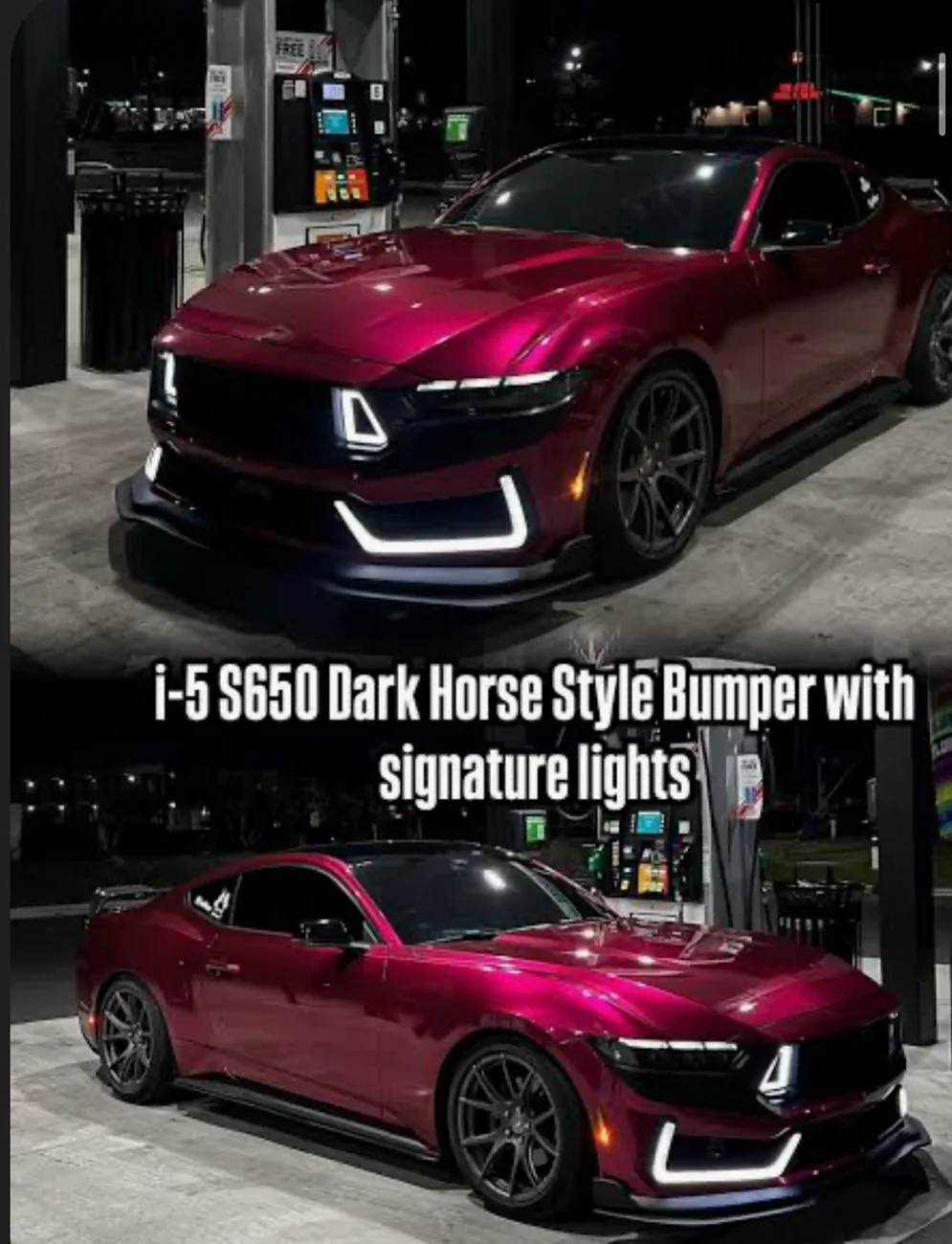
Hey Roket, does your grille lights still work? Or are they still white or are they amber? (If they even have the amber function, not entirely certain about i5’s bumper)
i dunno, i haven't checked
 

roket

Well-Known Member
Joined
Sep 22, 2022
Threads
77
Messages
2,676
Reaction score
4,052
Location
Cave Creek, Arizona
Website
roketgamer.dev
Vehicle(s)
2024 Ford Mustang Dark Horse
Ngl I just realized yours is actually a dark horse I thought it was this bumper lol my bad
IMG_2641.webp
lol. i do kinda like that bumper, though
 

bbowes9

Well-Known Member
Joined
Jun 12, 2025
Threads
3
Messages
87
Reaction score
90
Location
Virginia
Vehicle(s)
2024 Shadow Black Mustang GT Premium A10
Hey Roket, does your grille lights still work? Or are they still white or are they amber? (If they even have the amber function, not entirely certain about i5’s bumper)
If you need any other input my lights do not work with this mod either. only see them light up when unlocking/locking and they are amber
 

sky5oh

Well-Known Member
Joined
Apr 3, 2025
Threads
2
Messages
84
Reaction score
54
Location
North Carolina
Vehicle(s)
2024 Mustang GT
If you need any other input my lights do not work with this mod either. only see them light up when unlocking/locking and they are amber
Gotcha thank you! Yeah it seems like it’s a side effect, my guess is the RTR grille probably won’t work either with this. The reason I jumped down this rabbit hole is someone asked if it was possible to get the RTR grille amber like the DRLs and it just hit me that it could since they are on the same harness. Currently I have RGB headlights with my RTR grille tinted amber, and that’s what basically sparked the whole conversation lol


Top