Wraith6668
Well-Known Member
Ok so it's not on the app like the other guy said. ThanksSign in to your account at ford.com to see full update history.
Sponsored

Ok so it's not on the app like the other guy said. ThanksSign in to your account at ford.com to see full update history.

The app "sometimes" shows the most recent update... however, my app shows only one update as recent in Nov 25... my account info shows 4 total with 2 occurring this month. So the app seems broken or ?Ok so it's not on the app like the other guy said. Thanks

I have 1 update from early April, nothing recent yetThe app "sometimes" shows the most recent update... however, my app shows only one update as recent in Nov 25... my account info shows 4 total with 2 occurring this month. So the app seems broken or ?
Log into your account at Ford... you can get to it from the Ford app. There you should be able see your update history.I noticed my colors change to default too and the cluster settings changed too. anyone know what the latest update is? i cant find any info on my ford pass app

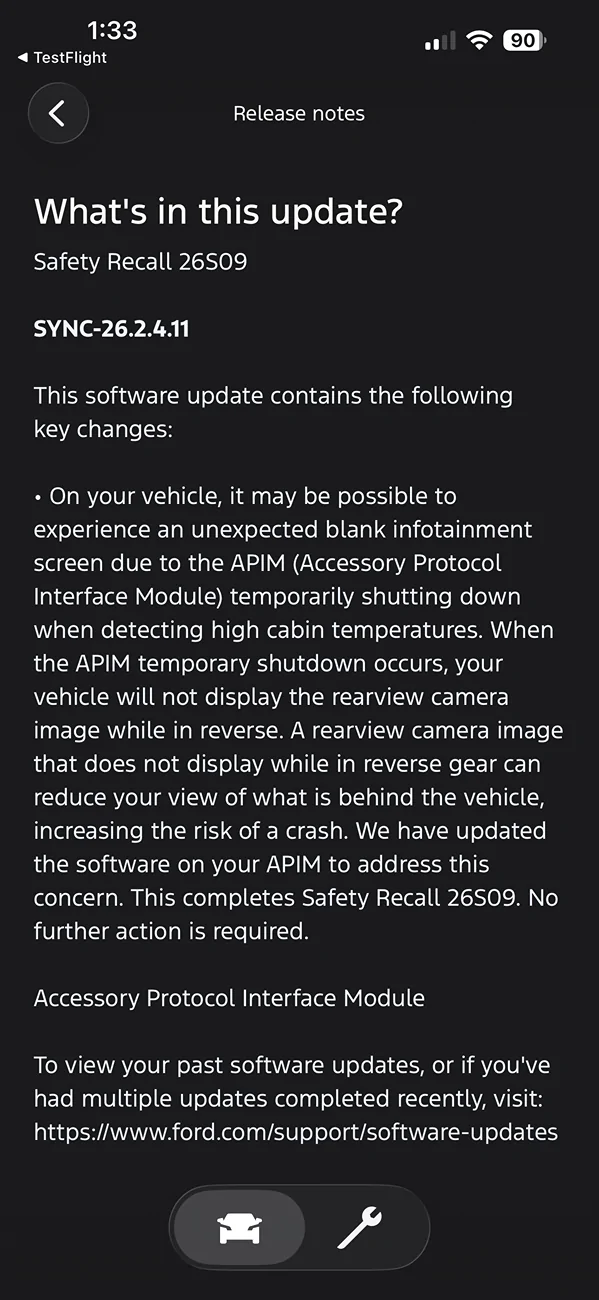
My account on the Ford site does not show any update status or history.The app "sometimes" shows the most recent update... however, my app shows only one update as recent in Nov 25... my account info shows 4 total with 2 occurring this month. So the app seems broken or ?
Strange... mine shows 4... which seems to be how many I have noticed. Does your Ford app show any? Have you got any dash notifications of an update? Perhaps Ford's update service and history don't always work right?My account on the Ford site does not show any update status or history.
On the website it just says my software hasn't been updated for 90 days and doesnt show a history or current version.Strange... mine shows 4... which seems to be how many I have noticed. Does your Ford app show any? Have you got any dash notifications of an update? Perhaps Ford's update service and history don't always work right?


Really weird... the website shows my first (I think) update from over a year ago.On the website it just says my software hasn't been updated for 90 days and doesnt show a history or current version.
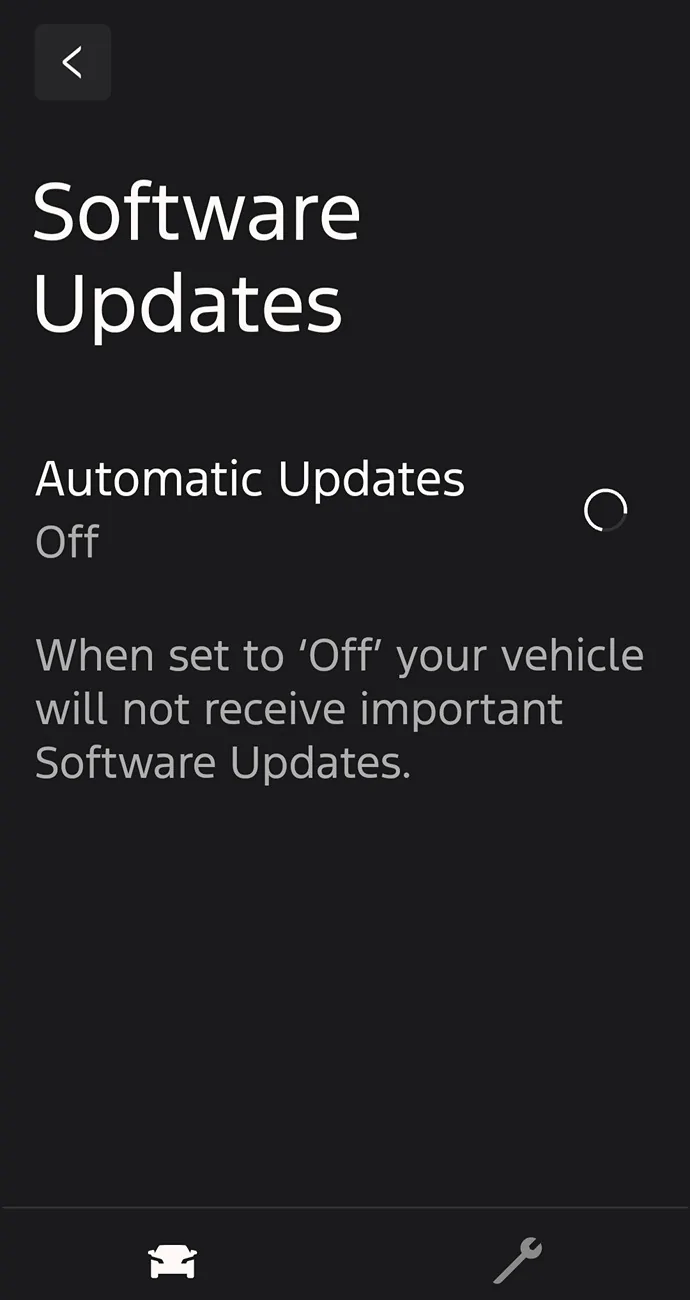
Somehow the app says my auto updates where turned off. I know for a fact I set them to on, and they were on when I checked a few weeks ago. When I set it to "on" nothing happens and it just buffers.

I was gonna suggest maybe do a battery disconnect to see if fix?Really weird... the website shows my first (I think) update from over a year ago.
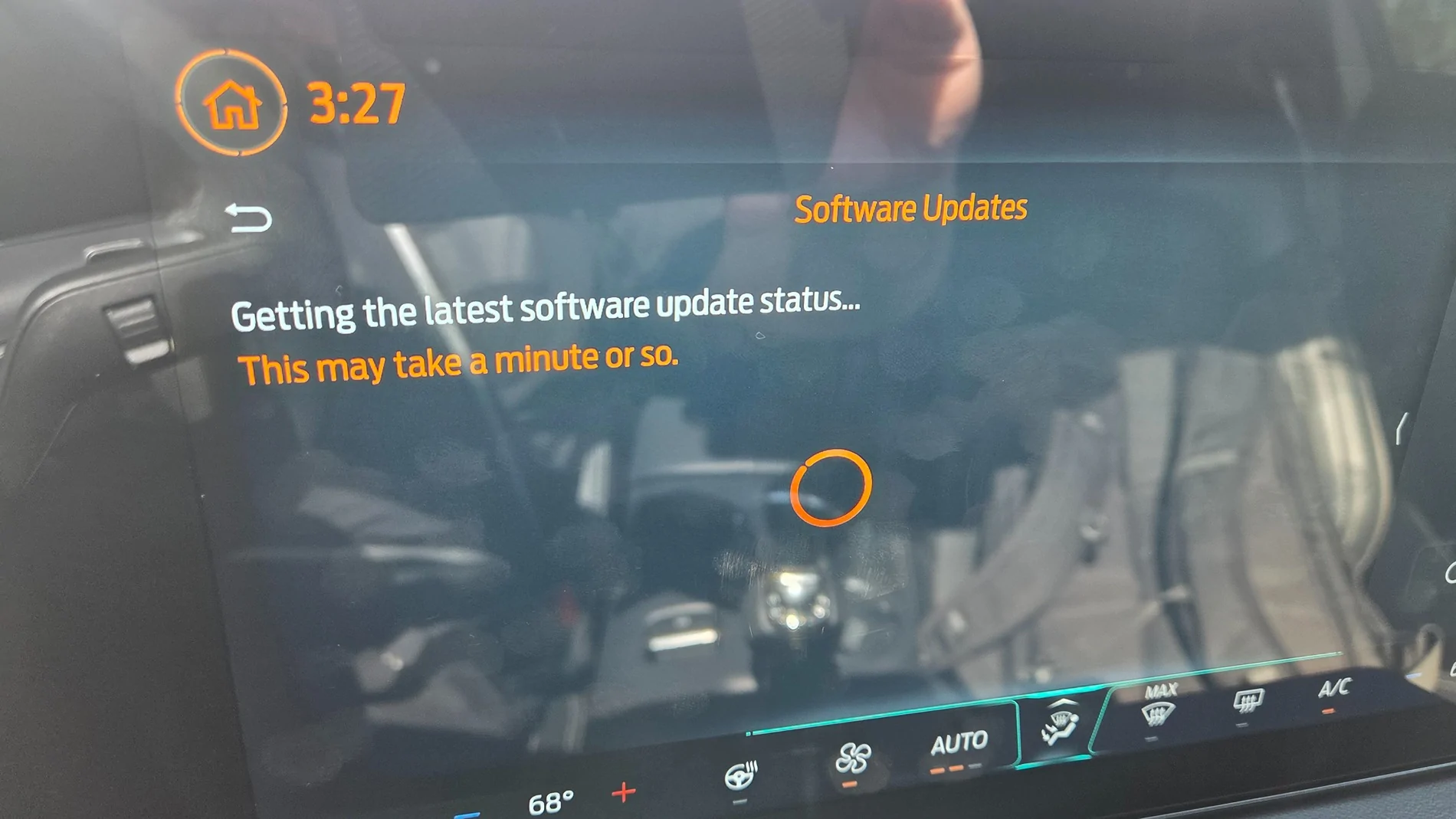
Some have had issues getting updates, with a spinning thing (buffering?) on screen. I think a battery disconnect for 20 - 30 min. was the fix...
No, i mean trying just turn on the auto update option on the app doesnt work. It just buffers endlessly and goes back to off. Disconnecting my phone battery isnt gonna help lol.Really weird... the website shows my first (I think) update from over a year ago.
Some have had issues getting updates, with a spinning thing (buffering?) on screen. I think a battery disconnect for 20 - 30 min. was the fix...