Sponsored

Audio presets help

Gr8ful

Well-Known Member
Joined
Jan 28, 2024
Threads
25
Messages
328
Reaction score
179
Location
S.Carolina
Vehicle(s)
2023 Santa Cruz, V-Strom 650
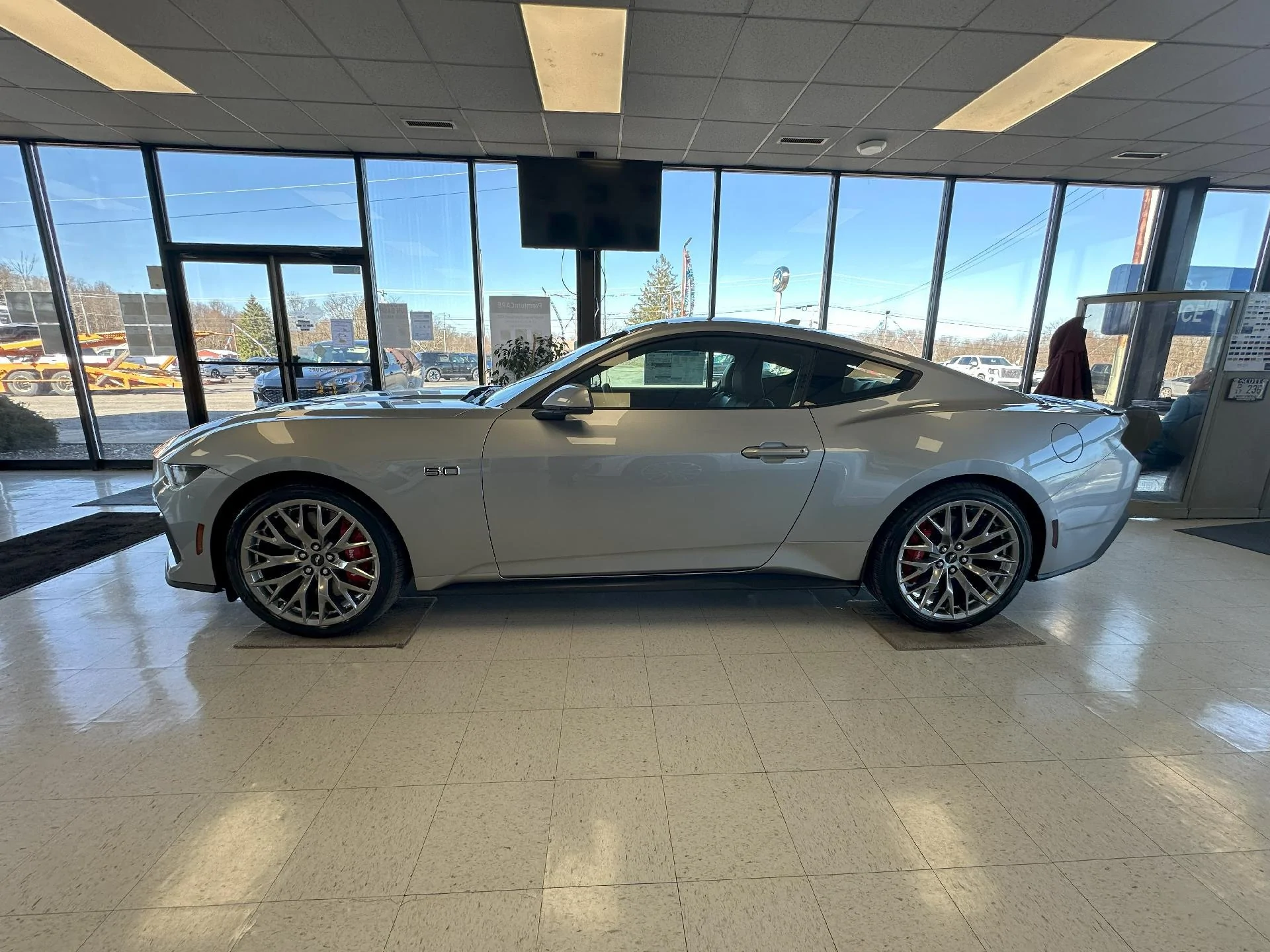
I have only had my GT for 4 days. I have read the manual but I am still unable bring up XM presets and toggle through the favorites. How I delete a preset and just have XM stations. On the steering wheel, when I select left or right it changes sources and not stations. Is there a separate manual for audio system?

S650 Mustang Audio presets help 33010831251-1
Sponsored


roadpilot

Well-Known Member
Joined
Feb 12, 2024
Threads
9
Messages
3,260
Reaction score
3,697
Location
Michigan
Vehicle(s)
21 F150 Platinum, 16 ATS4, 14 LTZ
Set your presets - they are mix and match (XM, FM, AM, etc.). You can't delete a preset - you can only set a different one in that spot.

Once they are all set, I use the left and right arrows on the right side of the steering wheel to cycle through the presets.
 

Wiley Marmot

Well-Known Member
Joined
Apr 27, 2024
Threads
76
Messages
1,219
Reaction score
1,630
Location
MI, USA
Vehicle(s)
2024 Mustang GT Prem

IFFV68

Well-Known Member
Joined
Jan 22, 2024
Threads
10
Messages
887
Reaction score
486
Location
Colorado
Vehicle(s)
2020 F150 4x4 Limited. 2024 GT Mustang Premium. Both in Rapid Red.

roadpilot

Well-Known Member
Joined
Feb 12, 2024
Threads
9
Messages
3,260
Reaction score
3,697
Location
Michigan
Vehicle(s)
21 F150 Platinum, 16 ATS4, 14 LTZ


OP
OP
Gr8ful

Gr8ful

Well-Known Member
Joined
Jan 28, 2024
Threads
25
Messages
328
Reaction score
179
Location
S.Carolina
Vehicle(s)
2023 Santa Cruz, V-Strom 650
Thanks to all. I got it figured out. I assumed that a preset needed to be empty to insert a station. It just goes on top. I have the owners manual and have read it twice, cover to cover. Something things are not explained properly.
Anyway, thanks for the imput.
 

roadpilot

Well-Known Member
Joined
Feb 12, 2024
Threads
9
Messages
3,260
Reaction score
3,697
Location
Michigan
Vehicle(s)
21 F150 Platinum, 16 ATS4, 14 LTZ
Thanks to all. I got it figured out. I assumed that a preset needed to be empty to insert a station. It just goes on top. I have the owners manual and have read it twice, cover to cover. Something things are not explained properly.
Anyway, thanks for the imput.
Yup. Press & hold and the station @ that preset will be overwritten with the current station. And, of course, you can mix and match the different types of stations (e.g., FM, SiriusXM, etc.). You can also add/remove the number of presets available to save them in. Tap/hold/slide left or right to see the next "set" of presets.
Sponsored


Top