exm
Well-Known Member
- Joined
- Nov 4, 2025
- Threads
- 20
- Messages
- 410
- Reaction score
- 494
- Location
- Long Island, NY
- Vehicle(s)
- Mustang DH 2026, Volvo XC90 2021
Busy day today!
Here's how the day started:

1. I upgraded the center speaker. Pictures and details can be found here.
2. Upgraded the rear license plate lights with LED. Minor detail, but still:

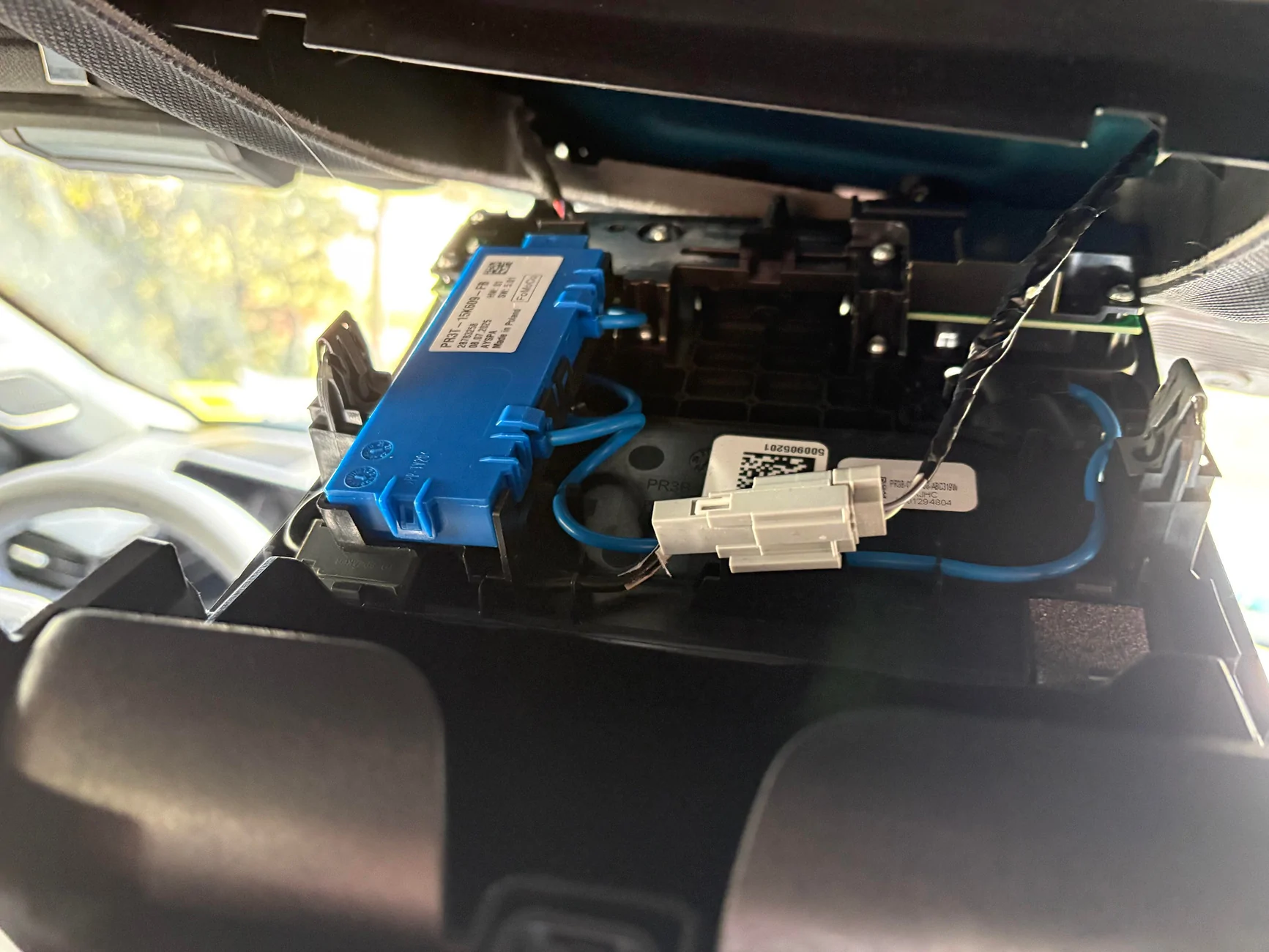
3. Next up, upgraded the dome light with a multi-color LED version. Again, minor but I still like the subtle change. Here's the overhead unit opened:

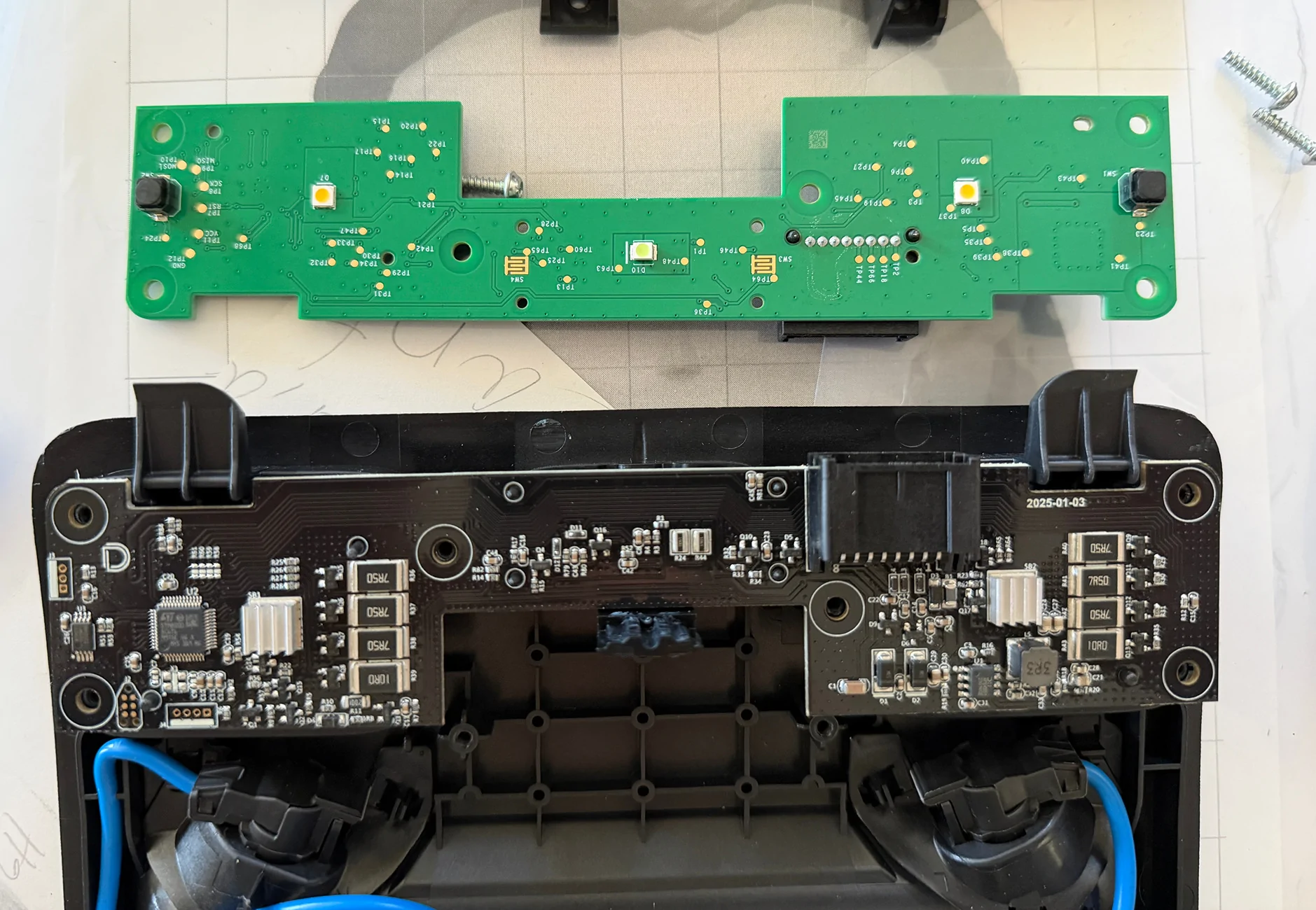
Old control board and new one:

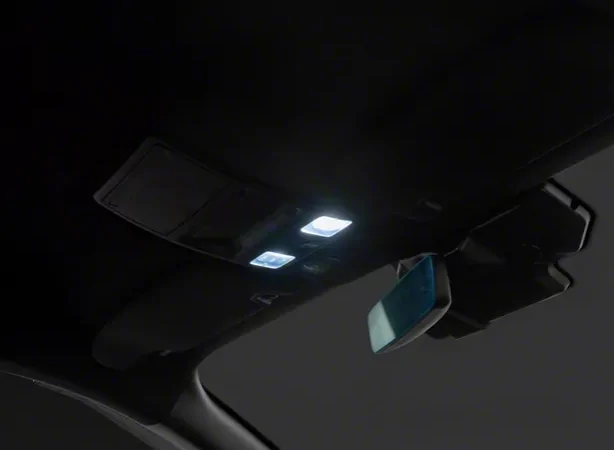
This is what it looks like (I like the blue):

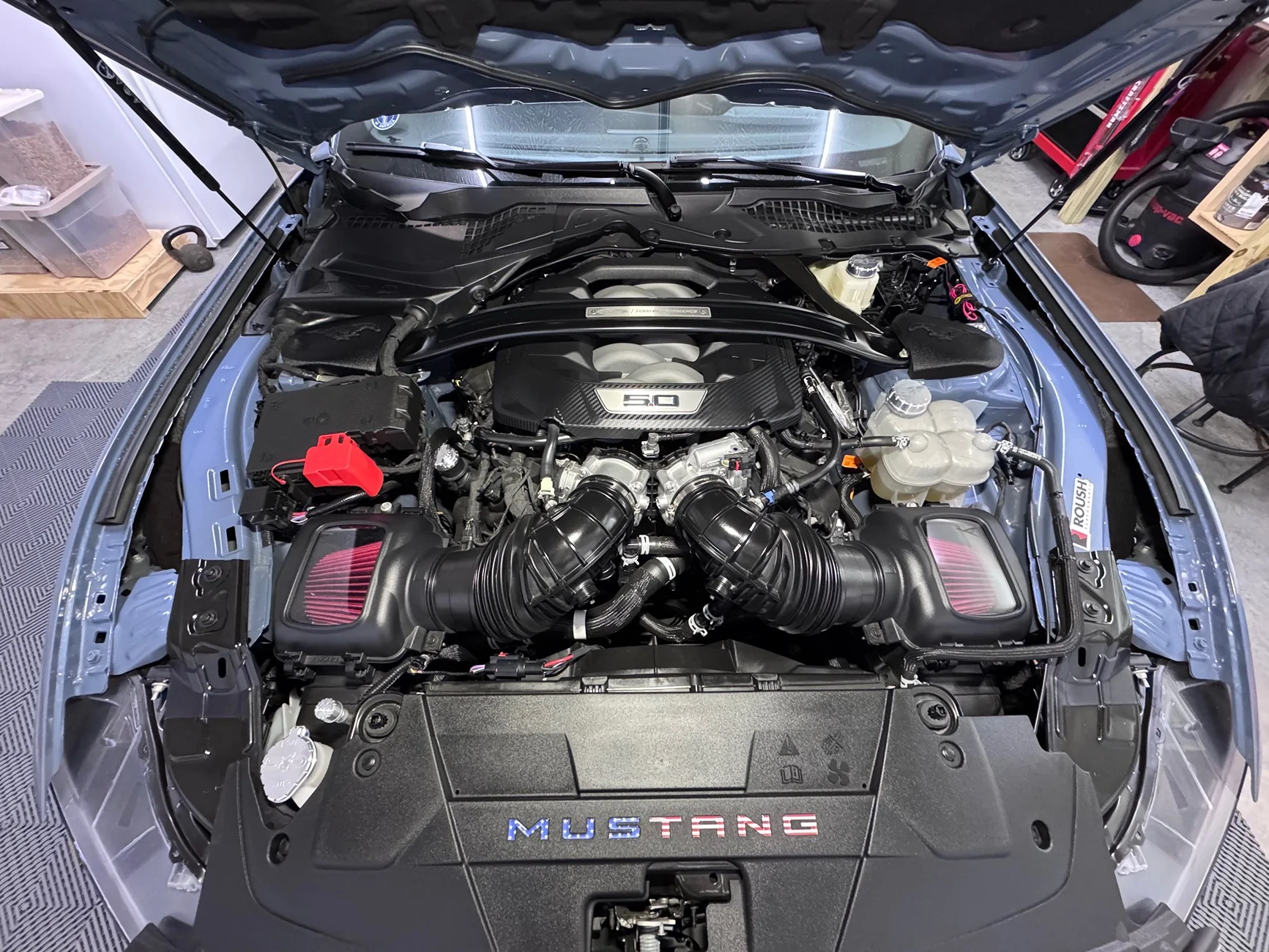
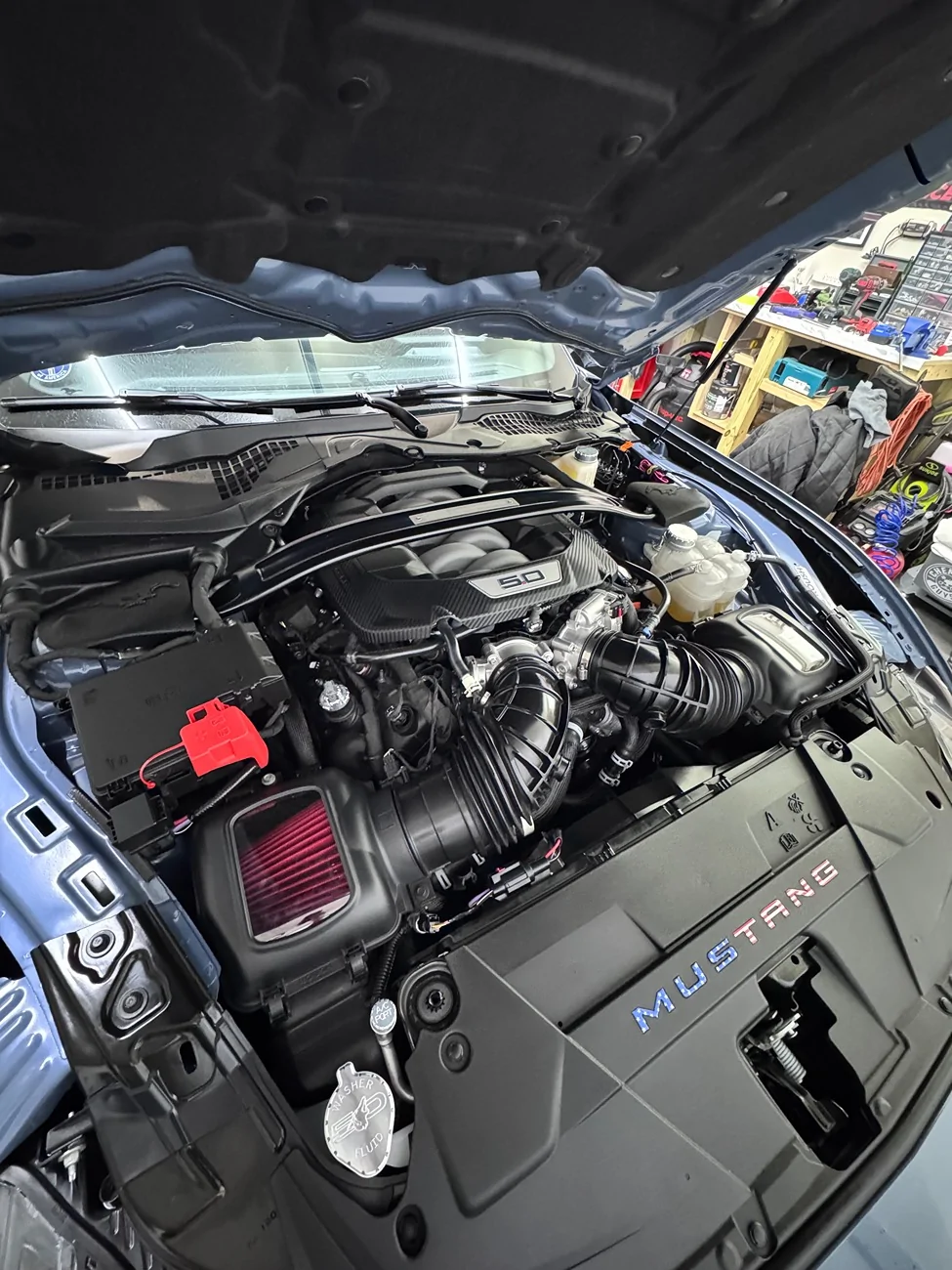
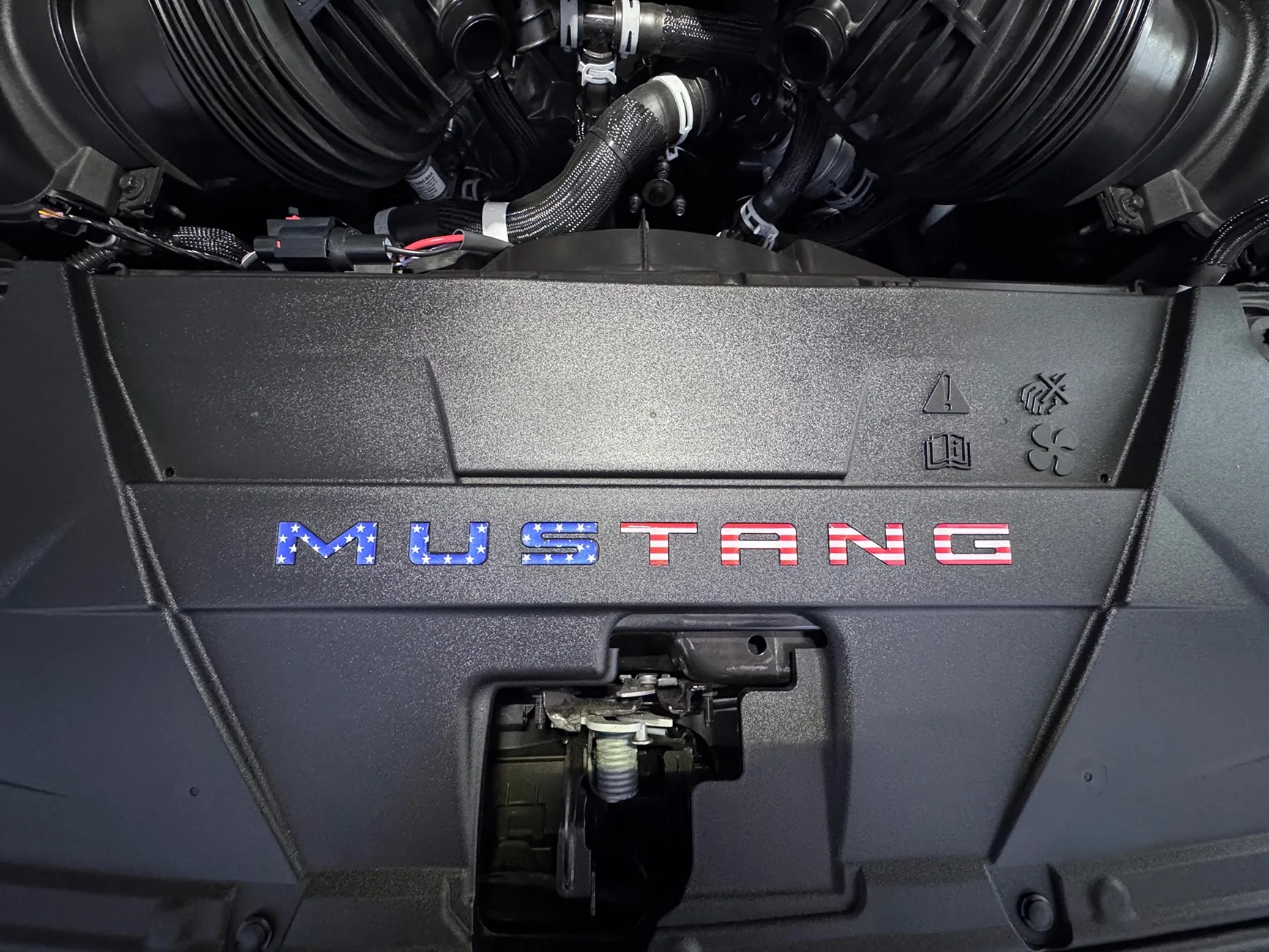
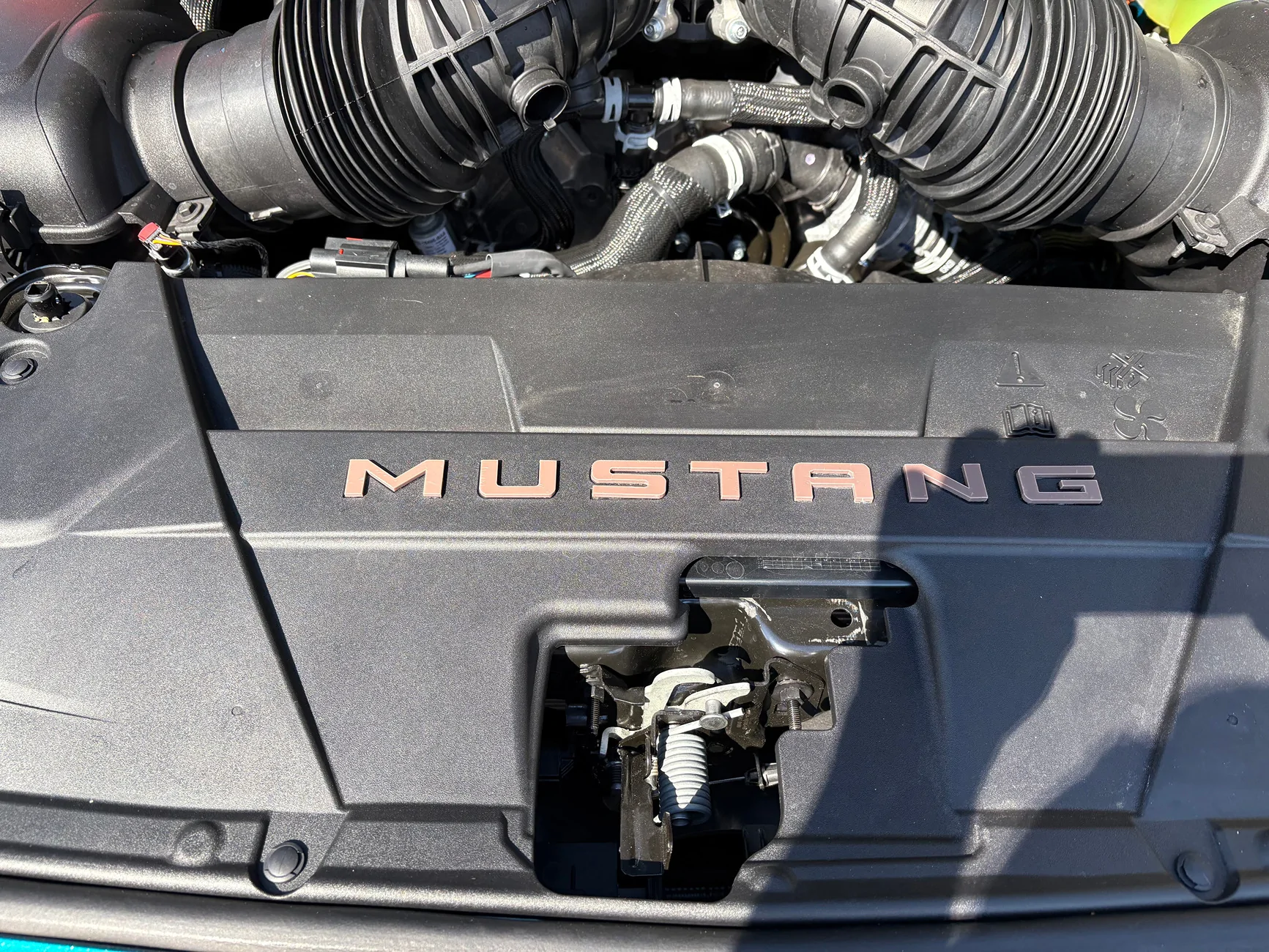
4. Put 3D Printer 'Mustang' letters here. Wife think I'm crazy.
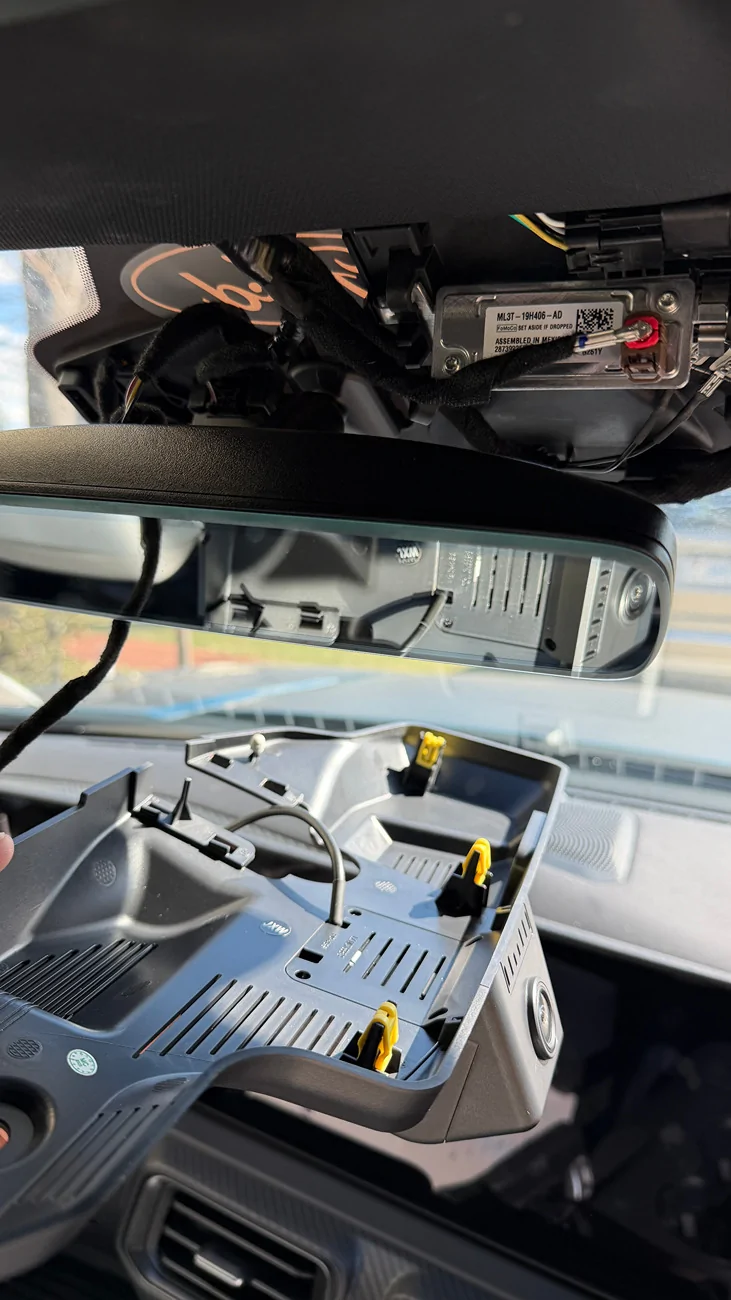
5. Install FitcamX Dashcam. So easy to install and it blends in great! Here's the unit after removing the OEM mirror cover:

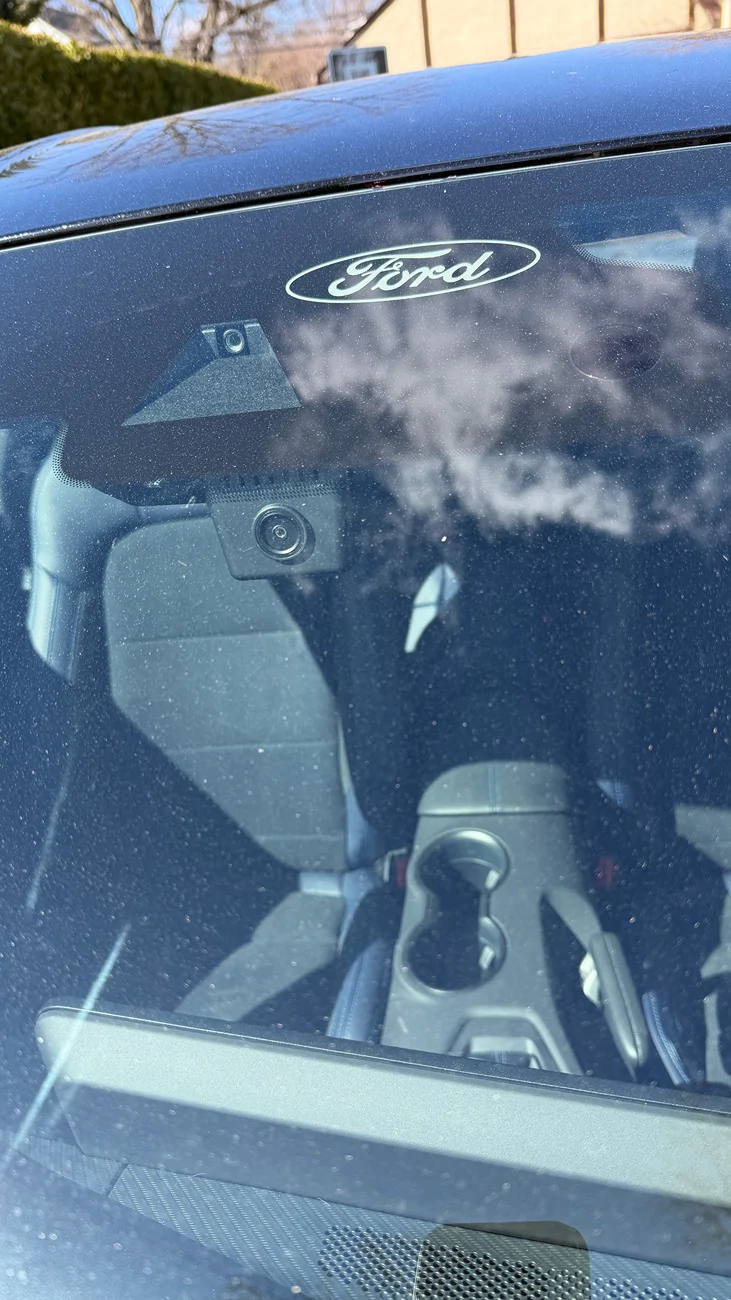
View from outside post-installation:
Two tips for those getting the same unit:
- Don't forget to transfer the 4 yellow clips AND the 2 rubber feet from the original housing
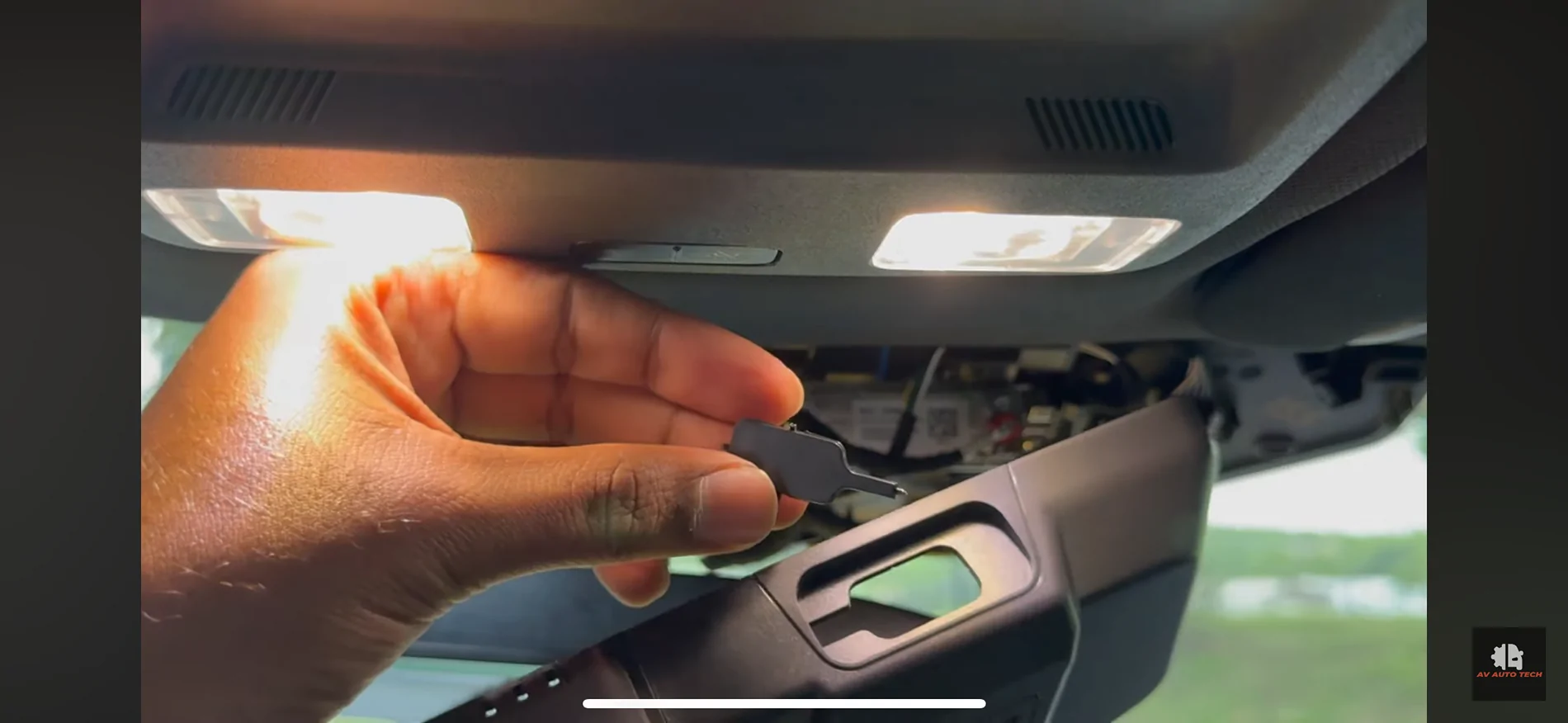
- Remove the front USB port cover in the new housing (next to the camera). It snaps right out. The picture below is a screenshot from a YT video I followed during the installation:

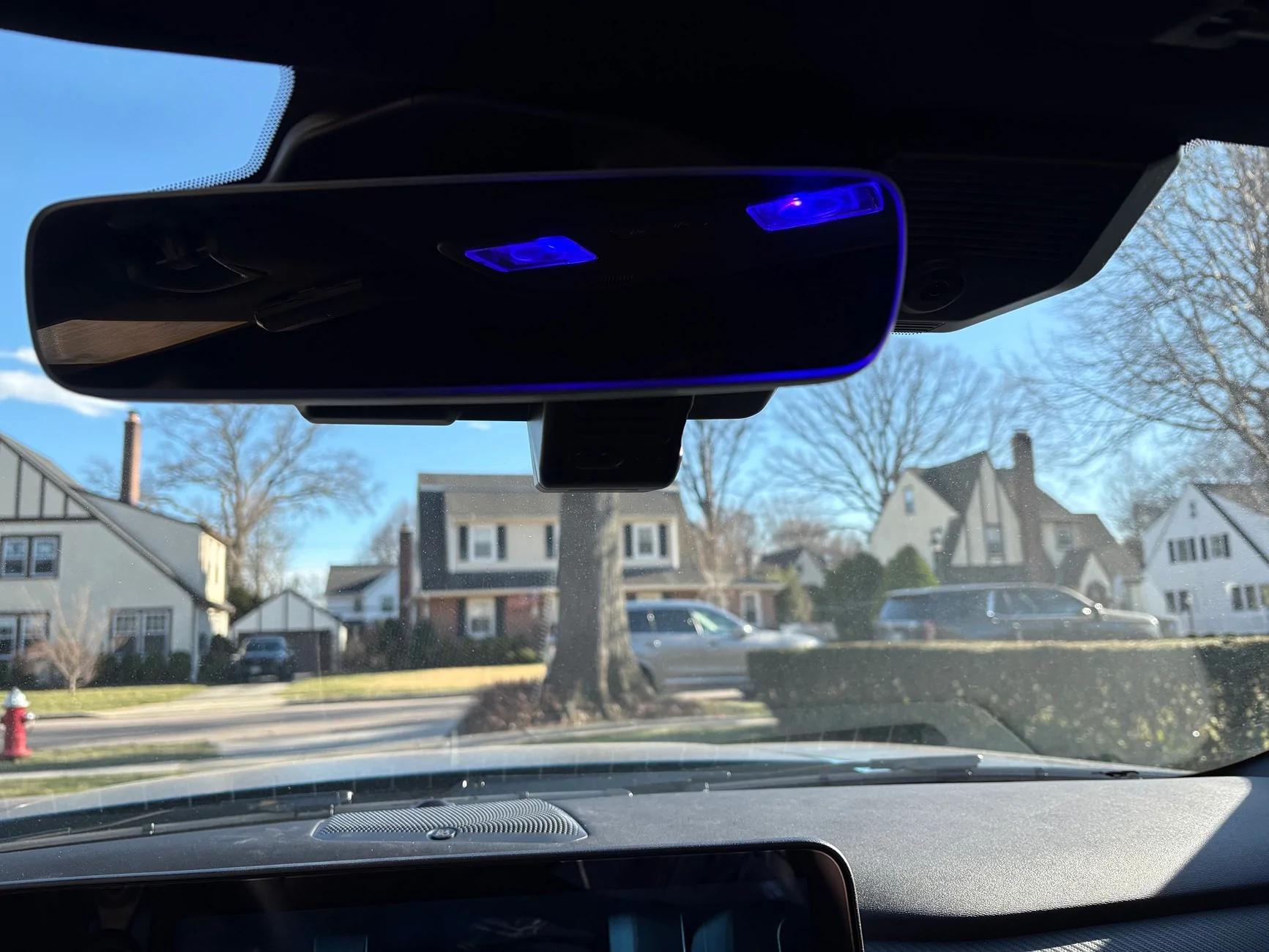
Another picture of the webcam from the inside (where you can also see the blue dome lights in the mirror):
Here's how the day started:
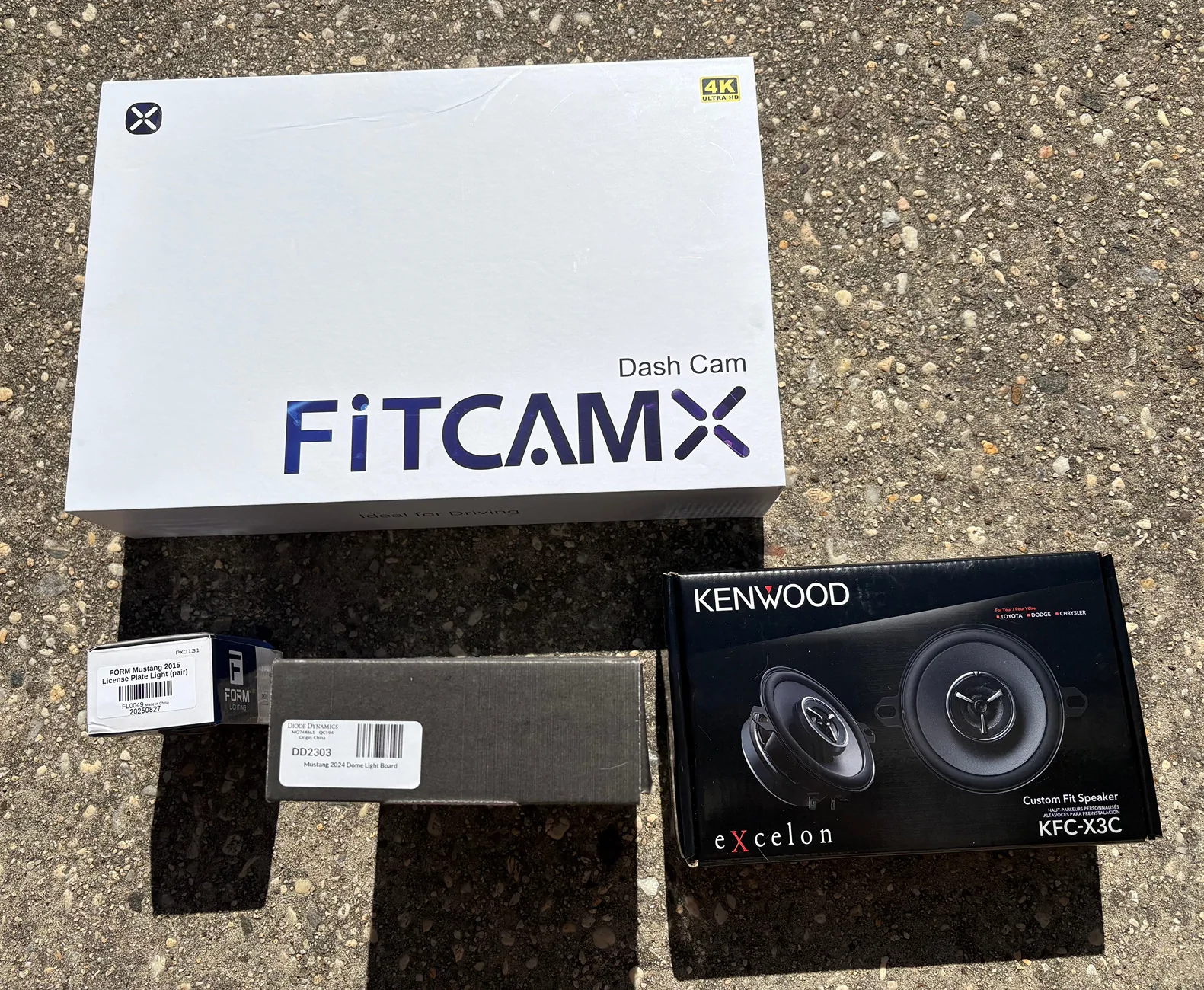
1. I upgraded the center speaker. Pictures and details can be found here.
2. Upgraded the rear license plate lights with LED. Minor detail, but still:
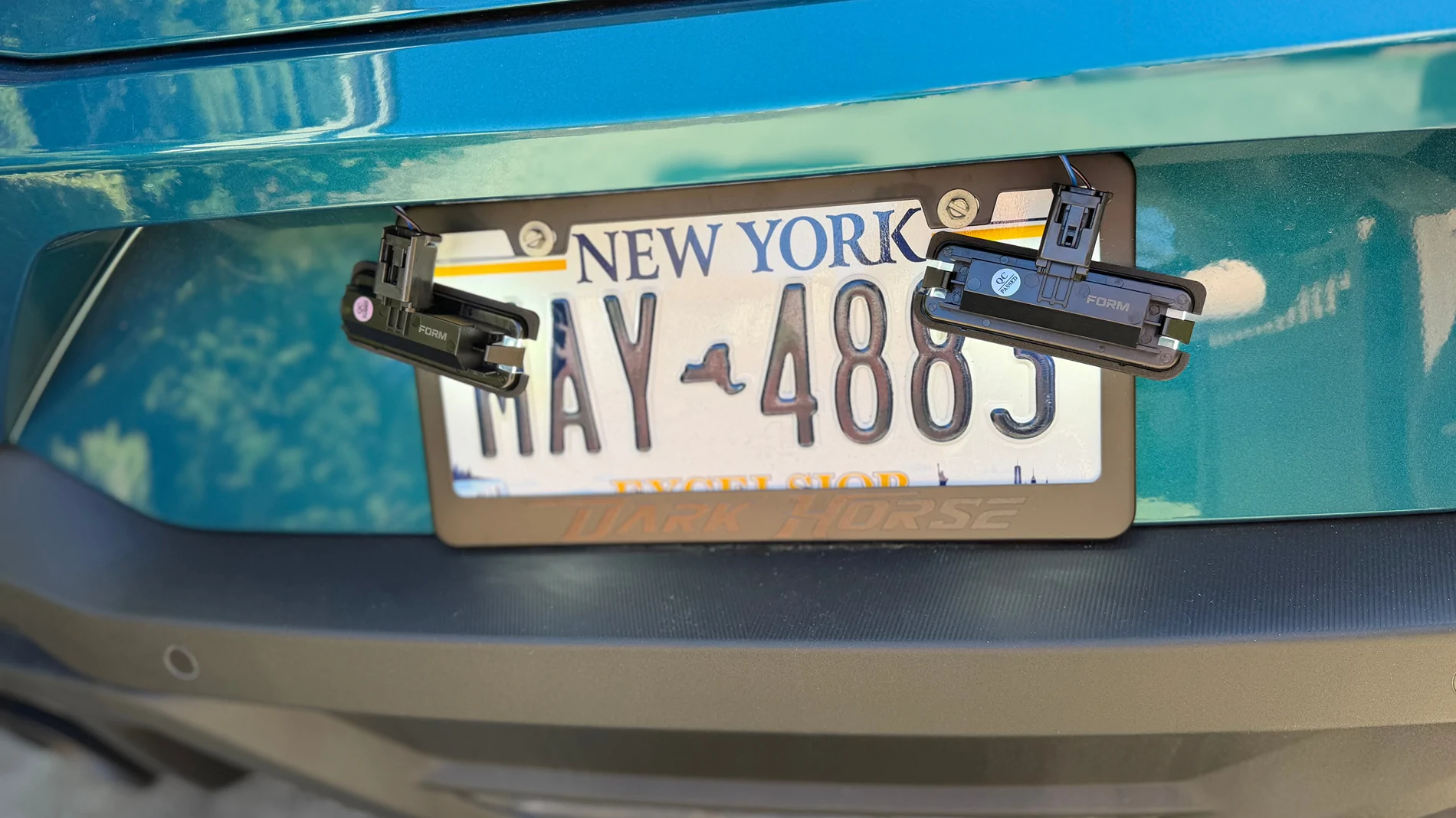
3. Next up, upgraded the dome light with a multi-color LED version. Again, minor but I still like the subtle change. Here's the overhead unit opened:
Old control board and new one:
This is what it looks like (I like the blue):
4. Put 3D Printer 'Mustang' letters here. Wife think I'm crazy.
5. Install FitcamX Dashcam. So easy to install and it blends in great! Here's the unit after removing the OEM mirror cover:
View from outside post-installation:
Two tips for those getting the same unit:
- Don't forget to transfer the 4 yellow clips AND the 2 rubber feet from the original housing
- Remove the front USB port cover in the new housing (next to the camera). It snaps right out. The picture below is a screenshot from a YT video I followed during the installation:
Another picture of the webcam from the inside (where you can also see the blue dome lights in the mirror):
Sponsored
Last edited: